Connect your Withings Scale to Brook+

Step 1

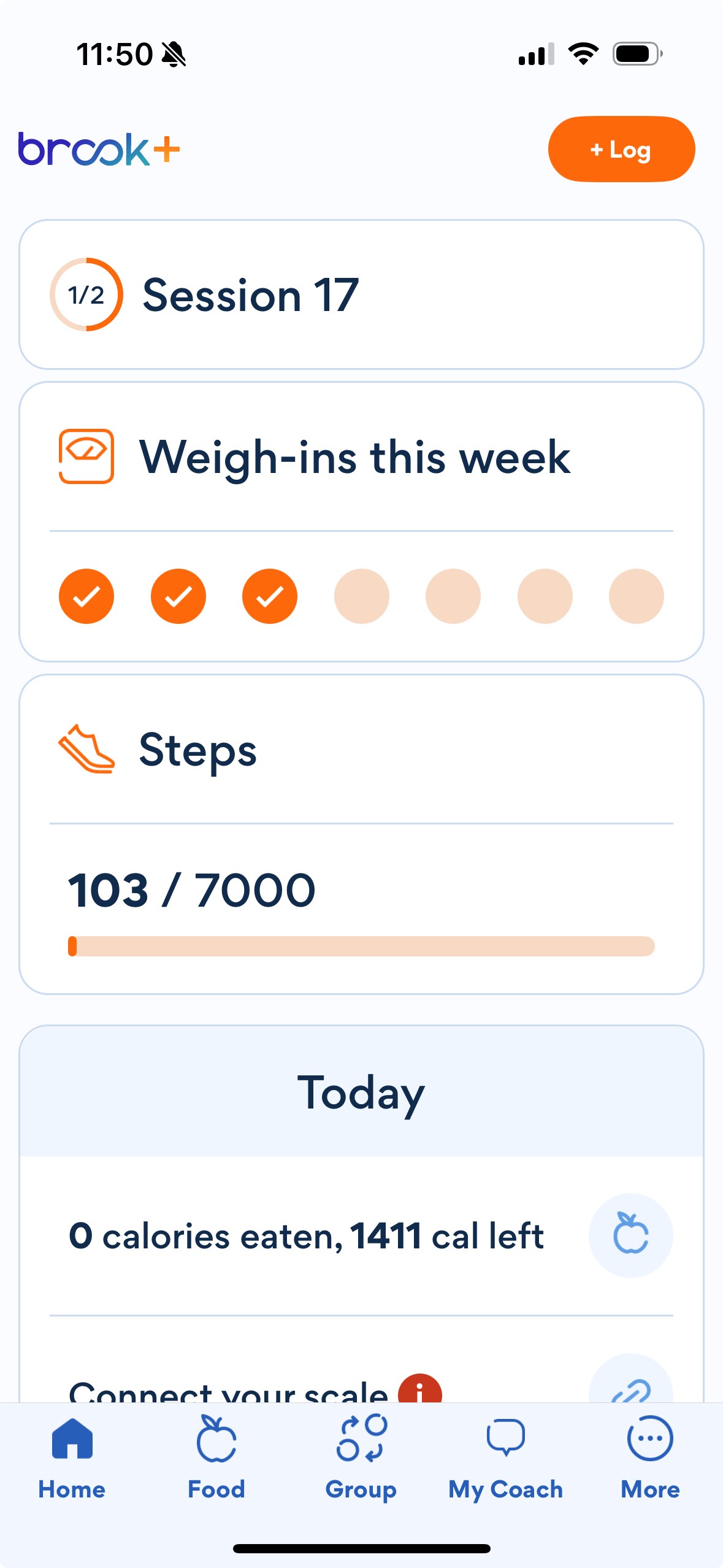
Open the Brook+ app. Select "Connect your scale"


Step 1

Open the Brook+ app. Select "Connect your scale"


Step 2

Select Next and follow the prompts to connect your scale.

Step 2

Select Next and follow the prompts to connect your scale.

Step 3

Step on your scale each day and watch your progress in the app!


Step 3

Step on your scale each day and watch your progress in the app!


If you have any questions or issues regarding your Withings scale, you can reach out to Withings support directly.

Email: program-support@withings.com

Brook

155 108th Ave NE
Suite 350
Bellevue, WA 98004

Connect with Brook
Brook

155 108th Ave NE
Suite 350
Bellevue, WA 98004

Connect with Brook